Filling in additional course information
- 1.Where can a user fill in additional course information?
Courses in the Course Catalogue are described by two groups of data. Basic information (such as name, number of credits, ...) can be filled in by authorized persons with the katal_a or katal_b rights and is done in the "Course Editing" application (for more details, see the Help section Filling in basic course information).
Additional information (learning outcomes, course objectives, ...) is filled in by the course teachers. They can find the editor in
Information System Courses Course / Application Operations Edit syllabus and additional information providedTeachers can search for the course they need to edit. They can also easily limit the displayed courses to those where they are listed as a teacher or seminar leader (the "I am a teacher of" option) or course guarantors (the "I am a guarantor of" option).
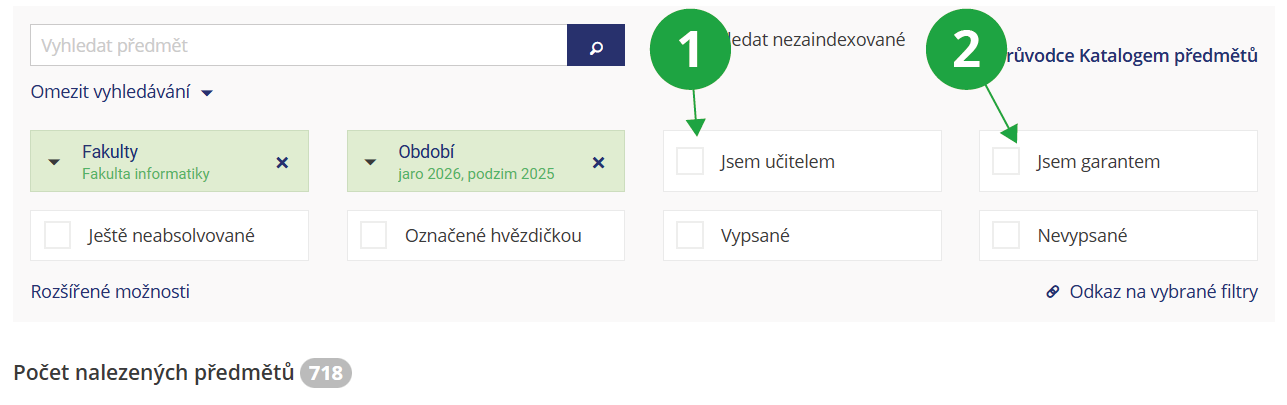
1 A teacher can filter for only those courses they teach.
2 A teacher can filter for only those courses where they are listed as the course guarantor.
The application can also be accessed via a shortcut from the main page:
Information System Syllabi [course selection] Go to application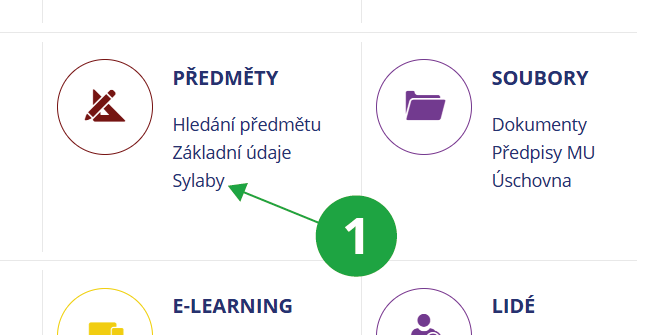
1 The application for filling in additional course information can be accessed directly from the main page of the Information System.
Unless you have a special access right (e.g., katal_a, katal_b, katal_c), you can edit courses where you are listed as a "lecturer", "seminar tutor", or guarantor (this information is set in the basic information application).
If you are entering a course similar to another one, you can pre-fill the form with data from the other course and make adjustments.
- 2.Which sections do teachers fill in for course syllabi?
Teachers (persons listed as "lecturers" or "seminar tutors" in the course) and course guarantors fill in additional course information in the application:
Information System Syllabi [course selection] Go to applicationThey fill in the following sections, with explanatory instructions available in the form to assist them:
- Course objectives
- Learning outcomes
- Syllabus
- Anticipated learning activities and teaching methods
- Teaching methods
- Study support
- Literature
- Course website and teacher's information
- Option to complete the course in an alternate form
- Follow-up Courses
- Enrolment prerequisites
All of these details can also be filled in in English.
- 3.When is it possible to change additional course information?
A course syllabus (prerequisites, literature, teacher information...) can be edited if the term in which the course is offered has the "Syllabi can be edited" flag set. Even if this flag is not set, it is possible to edit the Link and information from teachers section, i.e., the Course website link and Information from teachers.
For courses where 300 days have passed since the start of teaching, no syllabus section can generally be edited, regardless of the "Syllabi can be edited" flag setting.
Editing is carried out in the "Edit syllabus and additional information provided" application. The application can be accessed, for example, via a shortcut from the main page:
Information System Syllabi [course selection] Go to application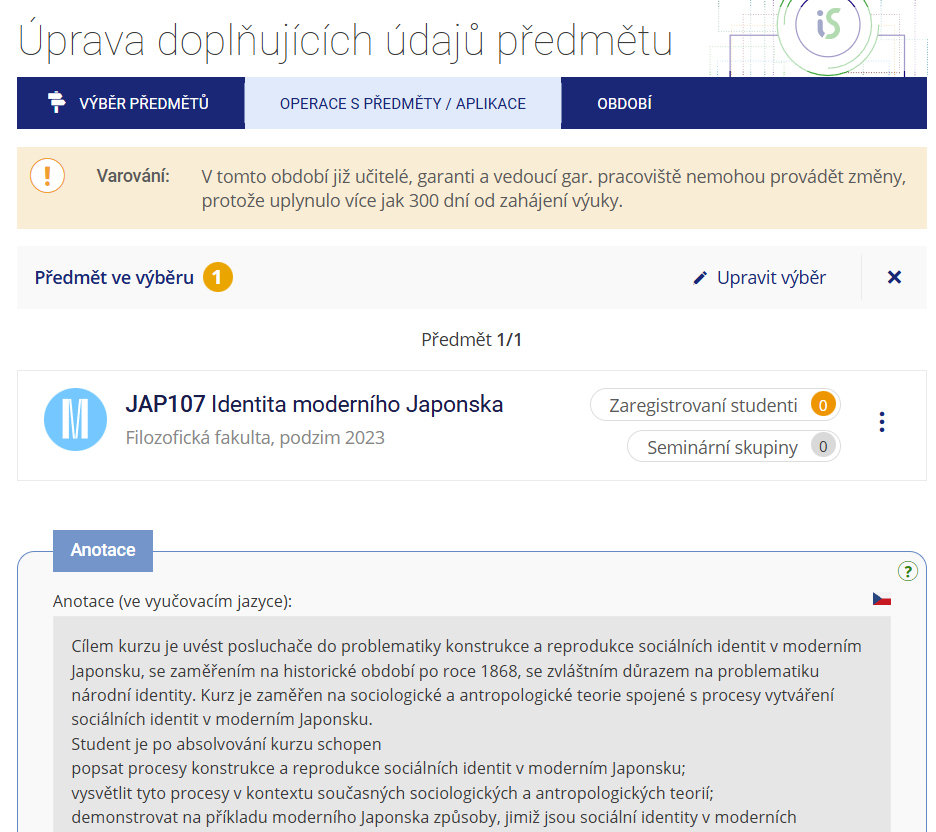
1 After 300 days have passed since the start of teaching, the editing fields in the application are greyed out and the data can no longer be edited.
- 4.Who can change additional course information?
The precise breakdown of access rights is as follows: each course is assigned to a specific department/unit (this is specified in the Department/Unit section in the form for basic course data, e.g., the course falls under the Department of Mathematics or Department XYZ). A person who holds the katal_a, katal_b, or katal_c right for that given unit can edit additional information for all courses under that unit. The right to edit additional information for a specific course is also granted to any person listed in the course record among the teachers as a "lecturer" or "seminar tutor", or as a course guarantor. Persons listed as "lecturers" and course guarantors can also add other teaching staff to the record (thereby granting them access to edit additional information).
Provided you have failed to find the information you were searching for, you can contact us at  slu
slu cz
cz